Find its place.
Use a solid color, pattern or room background. Bring your own photo, adjust placement, and compare lighting and construction choices.
Lumitas Viewer / 0.1.0-alpha.0
From a flat design to a sense of scale, the Viewer brings a Lumitas project into a space you can explore.
Use a solid color, pattern or room background. Bring your own photo, adjust placement, and compare lighting and construction choices.
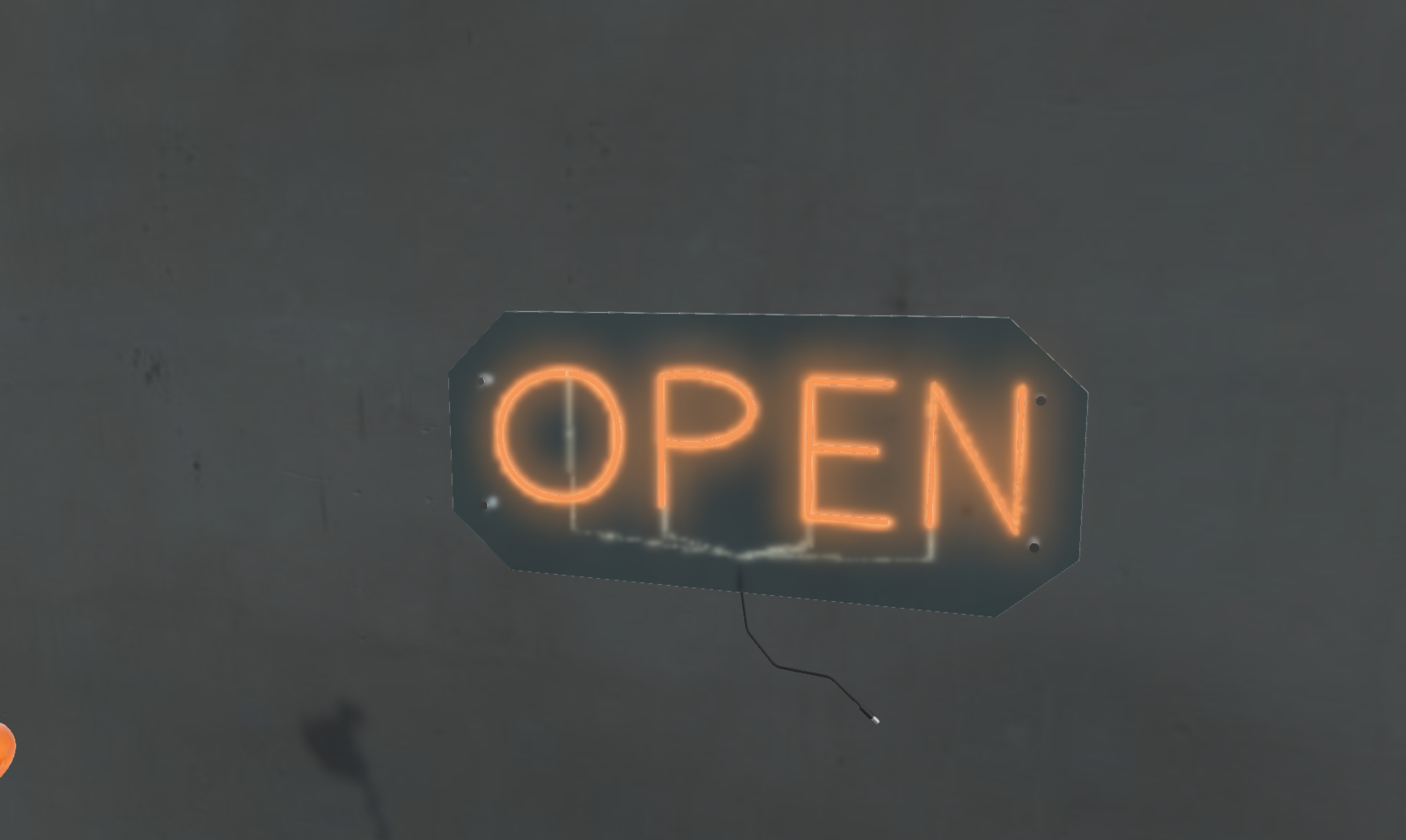
Orbit a 3D sign with its acrylic backing, mounting hardware and wiring. Supported Android AR can place it at physical size; immersive options depend on the device.
Switch to Technical inspection for source geometry, individual LEDs, strip segments and connections. Saved construction stays separate from preview changes.
Run the complete experience in its own page, place it inside another React application, embed the hosted route in an iframe, or use the standalone canvas, photo and scene components.
The Viewer is built from private TypeScript packages maintained separately from this website. These demos use the published private alpha packages; public npm access is not available.Read the integration guide or try the actual examples.
Viewing and presenting projects, testing integrations, and gathering feedback. It is a visualization tool; construction previews do not certify a design for fabrication or electrical installation. Appearance varies with display, lighting and device capabilities.