Bring the idea.
Start with a sample or open a supported project from your device. See its name, source dimensions and saved construction details.
For neon flex LED sign projects
Neon flex LED sign projects, seen from every angle. Check the scale, try a room, and look behind the glow, all in your browser.
Try a real project. No account. Your files stay in the browser.
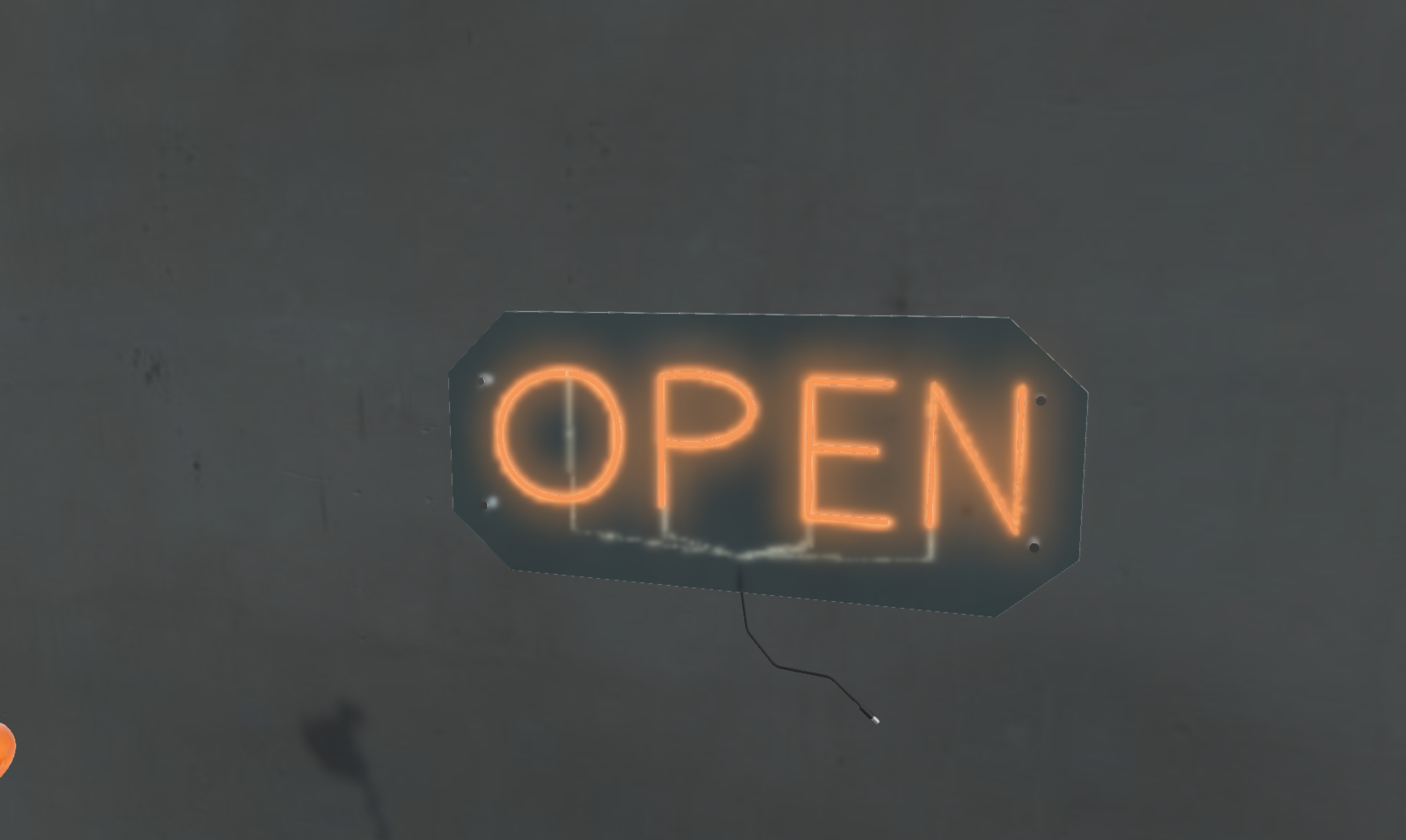 Made visible with Lumitas Viewer
A few bright starting points
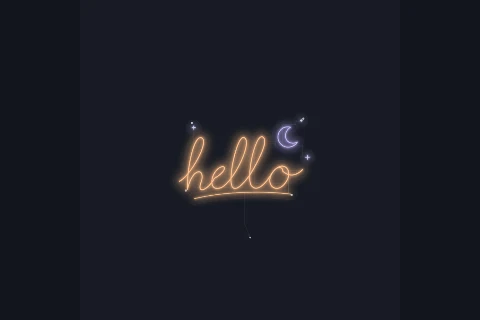
Native artwork example. Construction is generated for viewing.
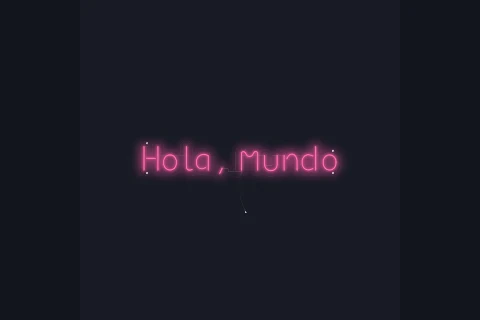
Design snapshot example. Construction is generated for viewing.
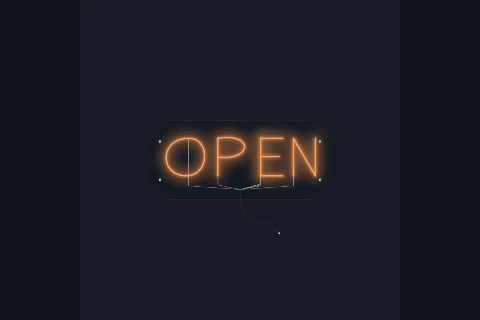
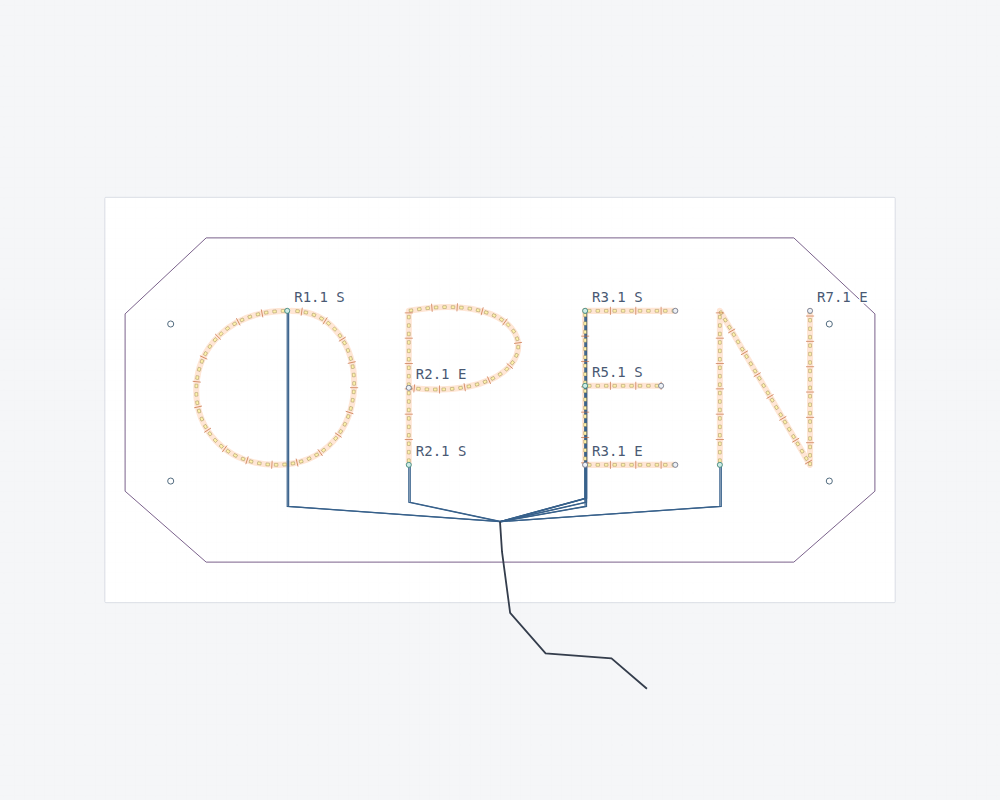
Saved backing, mounting holes and wiring example.
Real sample projects, with saved dimensions and source details. Open any design to explore its views.
From a file to a feeling
Lumitas Viewer is a place to explore a project. The design stays intact while you work out how to show it.
Start with a sample or open a supported project from your device. See its name, source dimensions and saved construction details.
Try a photo, a simple backdrop or a furnished 3D room. Look at the sign in context, with enough space around it to judge the composition.
Move around the sign. Inspect the backing and geometry. Export a presentation image to make the next conversation more concrete.
The glow is only the beginning
The shape of the backing. The space between strokes. Where a lead leaves the design. Those details matter when an idea starts becoming an object.
Every wall tells a different story
See how a wordmark or a short line of lettering fills its space. Look at letter spacing and overall scale together.
Try a café wall, a studio backdrop or a place to gather. Give the surroundings as much thought as the sign.
Explore an illustration or a project with a story behind it. Compare a quiet daytime view with the lit composition.
Show a design and its dimensions in the same conversation. Keep the source project with the presentation image.
Field notes
Material matters / 3 minute read
The light, the diffuser, the backing and the small decisions that give a sign its character.
Read the field noteOn the drawing board / 3 minute read
A practical review of lettering, space, line width and the details a small mockup can hide.
Read the field noteFrom screen to space / 3 minute read
Use a photo, a furnished room and supported AR to have a more useful conversation about placement.
Read the field noteBefore you dive in
What is available now, what stays on your device, and where a preview fits into a real project.
Lumitas makes software for working with neon sign projects. The Viewer lets you explore supported designs; this website does not take sign orders or offer a fabrication service.
Yes. Open a sample and explore it in the browser. A supported project can also be opened from your device. There is no account or project-upload service in the current alpha.
No. Backgrounds, camera movement, lighting and presentation choices do not rewrite the source geometry or saved physical dimensions. Keep the original project alongside exported presentation images.
Photo composition provides a visual placement study. On supported devices, AR can show the project in a camera view. AR needs trusted HTTPS, compatible browser support and the relevant permissions. Read the placement guide for a useful starting point.
The current Viewer is read-only. Lumitas Studio is the separate authoring application in development. The Studio page explains its current availability without promising a download.
No. It helps explain a design and inspect the source information available in a project. Illustrative profiles, generated construction, on-screen glow and visual placement still need review against actual parts, measurements and supplier specifications.
A little curiosity goes a long way
There is a project ready to open. Look around it, try a different setting, and see what catches your eye.